Tech Savvy Engineers
Tech Savvy Engineers Pvt. Ltd. is one of the premier SOLIDWORKS authorized reseller in India since 2002. We are engaged in providing industry-leading engineering consultancy in India & SOLIDWORKS in Delhi & Haryana. With our long-standing association with SOLIDWORKS India, We are capable of delivering superior class 3D CAD software in Delhi NCR. Being one of the reputed and renowned SOLIDWORKS distributors, We provide innovative, practical, and cost-effective CAD/CAM/CAE/PDM solutions to product design and manufacturing companies in India. We are also an authorized training partner of SOLIDWORKS. And we impart complete SOLIDWORKS 3d CAD training to our customers.
Our experienced and certified SOLIDWORKS Software engineers will help you in picking the appropriate SOLIDWORKS course as per your specification. A large number of designers, engineers, and other technology professionals have been trained by our faculty under the all-inclusive SOLIDWORKS in India training program. If you are looking for SOLIDWORKS authorized reseller for sales, support, and training for SOLIDWORKS software solutions, Call us for complete SOLIDWORKS support services in India.

SOLIDWORKS Standard
Get up to speed quickly with SOLIDWORKS Standard and unlock the benefits of this powerful 3D design solution for rapid creation of parts, assemblies, and 2D drawings.

SOLIDWORKS Professional
SOLIDWORKS Professional builds on the capabilities of SOLIDWORKS Standard to increase design productivity, with file management tools, advanced photorealistic rendering

SOLIDWORKS Premium
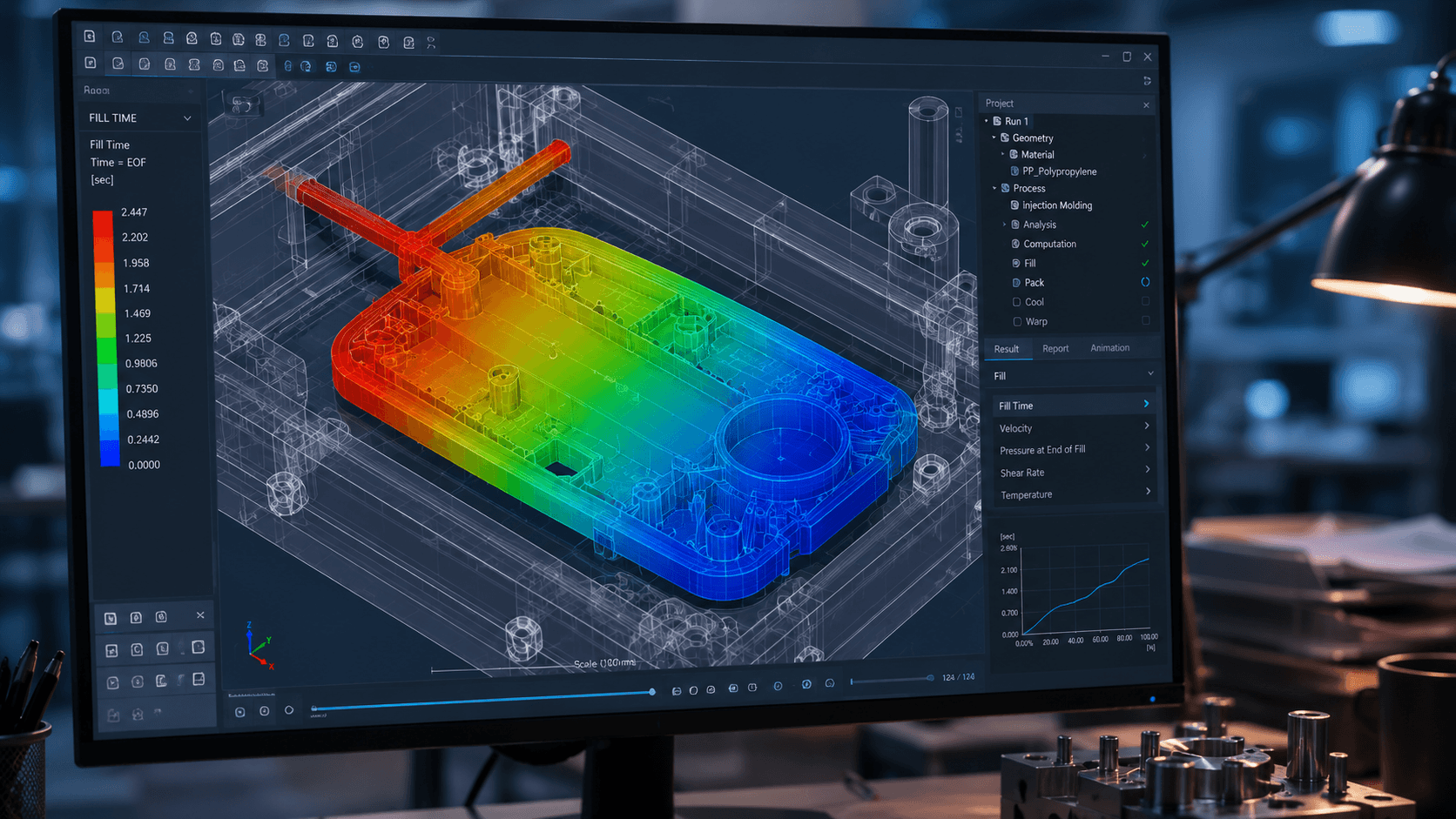
SOLIDWORKS Premium is a comprehensive 3D design solution that adds powerful simulation and design validation to the capabilities of SOLIDWORKS Professional
ABOUT US
Tech Savvy Engineers Pvt Ltd. was started by professionals with a vision to provide state-of-the-art CAD/CAM/CAE solutions to the industry in 2002. Tech Savvy Engineers is also a premier SOLIDWORKS VAR – Value Added Reseller for Dassault Systems SOLIDWORKS Corporation for the entire SOLIDWORKS Software Products in India.

Our Services
Tech Savvy is now a premier VAR – Value Added Reseller for Dassault Systemes SolidWorks Corporation, the USA for their Products.
We are now the largest CAD/CAM/CAE Solution provider in North India.
We are one of the largest SOLIDWORKS Solution providers in India. Buy SOLIDWORKS In India, SOLIDWORKS Delhi, SOLIDWORKS Gurgaon, SOLIDWORKS Noida, SOLIDWORKS Haryana.
Engineering Services
2D to 3D conversion
Data Migration
FEA/CFD/Simulation
Technical Documentation
Design Process & Automation
Our Latest Blogs
News & Events
SOLIDWORKS
Innovation Day
Explore SOLIDWORKS 2027 at SOLIDWORKS Innovation Day
SOLIDWORKS: Frequently Asked Questions
Straight answers to the questions engineering teams ask before buying SOLIDWORKS, from pricing and licensing to support and hardware. Terms set by Dassault Systèmes can change, so confirm the details for your setup in your quotation.
How do I buy SOLIDWORKS through an authorised reseller in India?
Buy SOLIDWORKS from an authorised Value Added Reseller (VAR), which supplies genuine licences and provides local technical support. As a SOLIDWORKS reseller in India, Tech Savvy helps you choose the right package, sends you a quotation, and provides installation, onboarding and post-sales support after you order. SOLIDWORKS subscriptions on the 3DEXPERIENCE platform can also be bought online.
How much does SOLIDWORKS cost in India?
SOLIDWORKS pricing in India depends on the configuration you buy, so an accurate figure comes from a quotation. The main cost drivers are the package (Standard, Professional or Premium), the licence type (perpetual, term or 3DEXPERIENCE subscription), standalone or network licensing, the number of seats, add-ons such as Simulation, PDM or Electrical, and training. Read our SOLIDWORKS price guide or request a quote for current pricing.
What details should I share to get an accurate SOLIDWORKS quotation?
Share five details: how many people will use SOLIDWORKS, the type of work (such as sheet metal, machine design or large assemblies), the package or add-ons you are considering, your preferred licence type, and any existing SOLIDWORKS licences with their subscription status. Also mention whether seats will be shared over a network and whether your team needs training. The quote request form has City and Comment fields for these details.
Which SOLIDWORKS package should I choose: Standard, Professional or Premium?
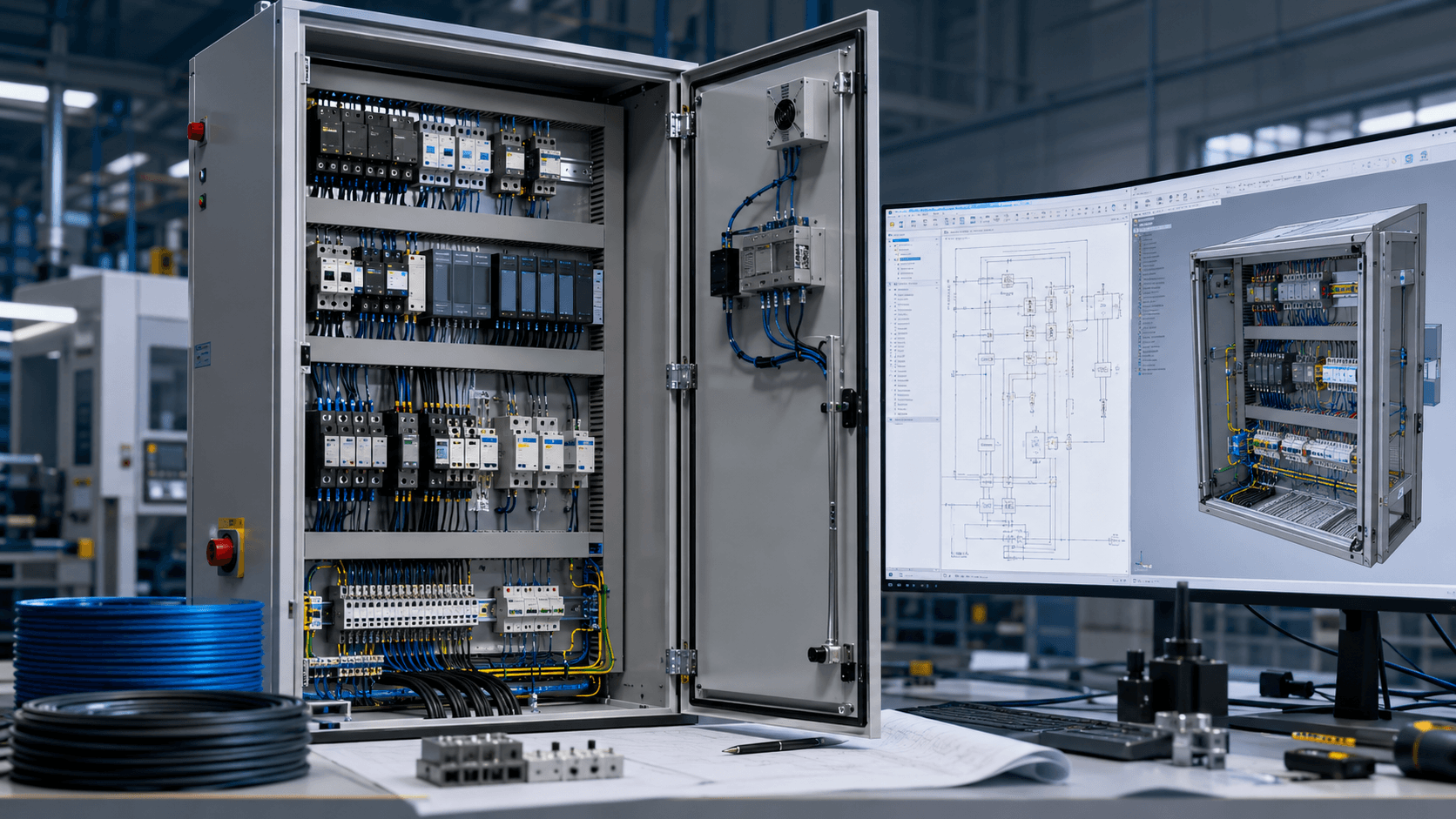
Choose the package that matches your daily work. SOLIDWORKS Standard covers parts, assemblies, 2D drawings, sheet metal, weldments and mould design. Professional adds standard fastener libraries, manufacturing cost estimation, design-standard checks, photorealistic rendering and, with desktop licences, PDM Standard. Premium adds linear static and motion analysis, plus routing for electrical harnesses, pipes, tubes and ducts. Advanced simulation, CFD and electrical schematics are separate products. Compare the SOLIDWORKS packages in detail.
What SOLIDWORKS licence options are available in India?
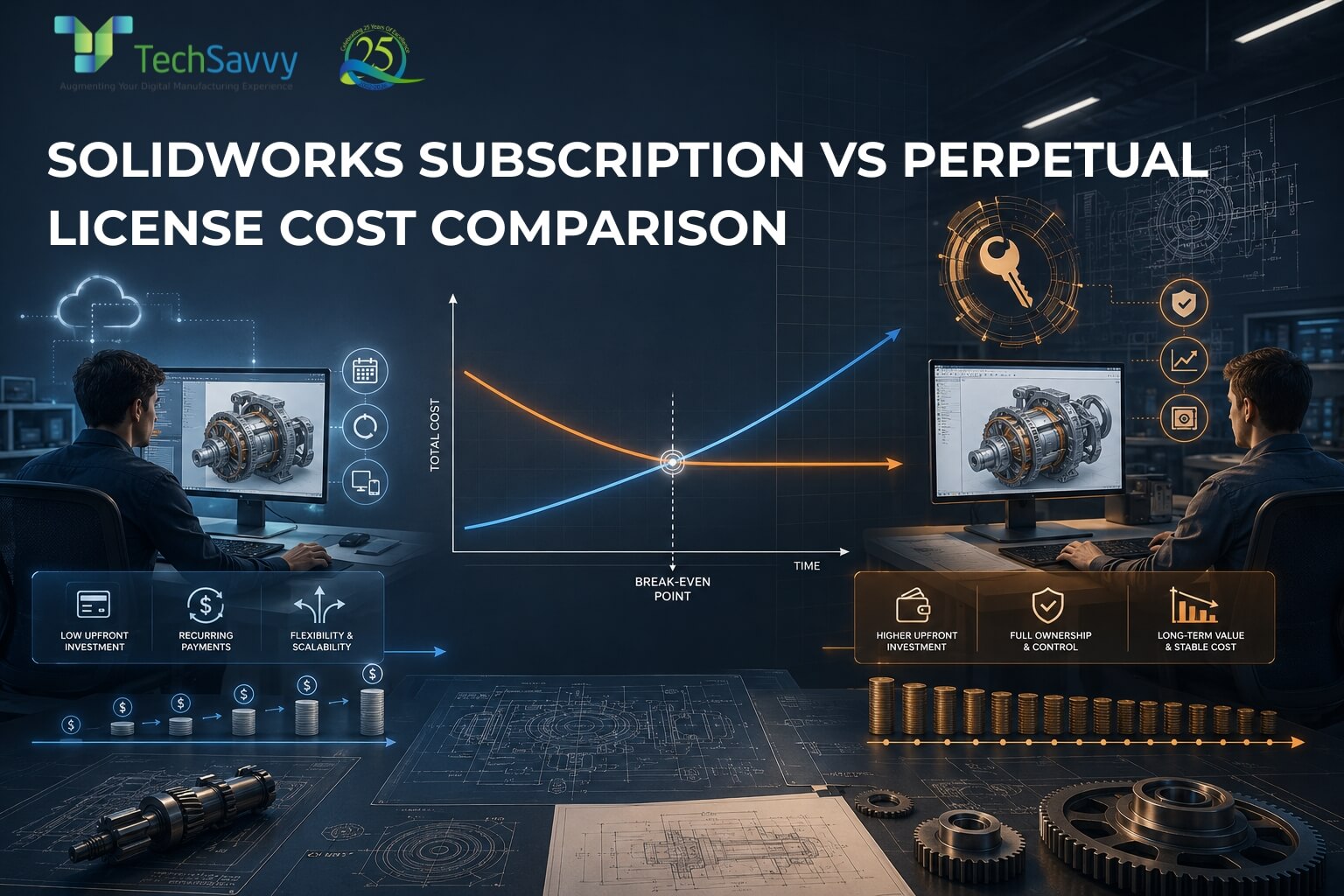
Desktop SOLIDWORKS is available as a perpetual licence with Subscription Service or as a quarterly or yearly term licence, and either can be standalone or network (shared through a licence server). New perpetual licences carry a minimum Subscription Service commitment. A third option is a named-user subscription on the 3DEXPERIENCE platform, installed locally and usable on more than one device. Availability varies by product, so confirm it in your quotation. Our perpetual vs subscription guide compares long-term costs.
What does SOLIDWORKS Subscription Service include?
SOLIDWORKS Subscription Service gives you new releases and upgrades, technical support from your reseller, and access to MySolidWorks learning content. Current Dassault Systèmes terms also list SOLIDWORKS CAM Standard, certification exam vouchers and SOLIDWORKS Visualize for Professional and Premium seats, and newer licences include Cloud Services. Dassault Systèmes sets these inclusions and can change them, so check them at renewal. Contact us about renewals or a lapsed subscription.
Can I try SOLIDWORKS or see a demo before buying?
Yes: you can request a SOLIDWORKS demonstration from our team, and Dassault Systèmes offers a browser-based online trial that needs no installation. When you request a demo, describe your typical parts, assemblies and drawings in the comment field. For desktop trial options and eligibility, read our SOLIDWORKS trial guide.
How do we move from AutoCAD or 2D drawings to SOLIDWORKS?
Move in stages: start new projects in SOLIDWORKS, keep legacy DWG files accessible and convert older designs to 3D when they are revised. SOLIDWORKS imports DWG and DXF files as sketches you can build 3D features from, or as drawings, and DraftSight, a separate 2D CAD product, handles ongoing DWG editing. For larger backlogs, we offer 2D-to-3D conversion and migration from other 3D CAD systems as engineering services.
Do you provide SOLIDWORKS training and onboarding?
Yes: Tech Savvy is a SOLIDWORKS authorised training partner and runs beginner-to-advanced courses covering part modelling, assemblies, sheet metal, surfacing, simulation and PDM. New users usually start with core modelling and drawing skills, then add courses matched to their work. Trained users can then take the official CSWA and CSWP certification exams, which are held online. See the SOLIDWORKS training page for current courses.
What technical support do I get after buying SOLIDWORKS?
SOLIDWORKS technical support is delivered by your reseller while your Subscription Service is active. We help with installation, setup, troubleshooting and updates by phone, email and remote session, and on site where your agreement includes it. Support scope depends on your licence and subscription status, so confirm it in your quotation. The technical helpline and support email are on our contact page.
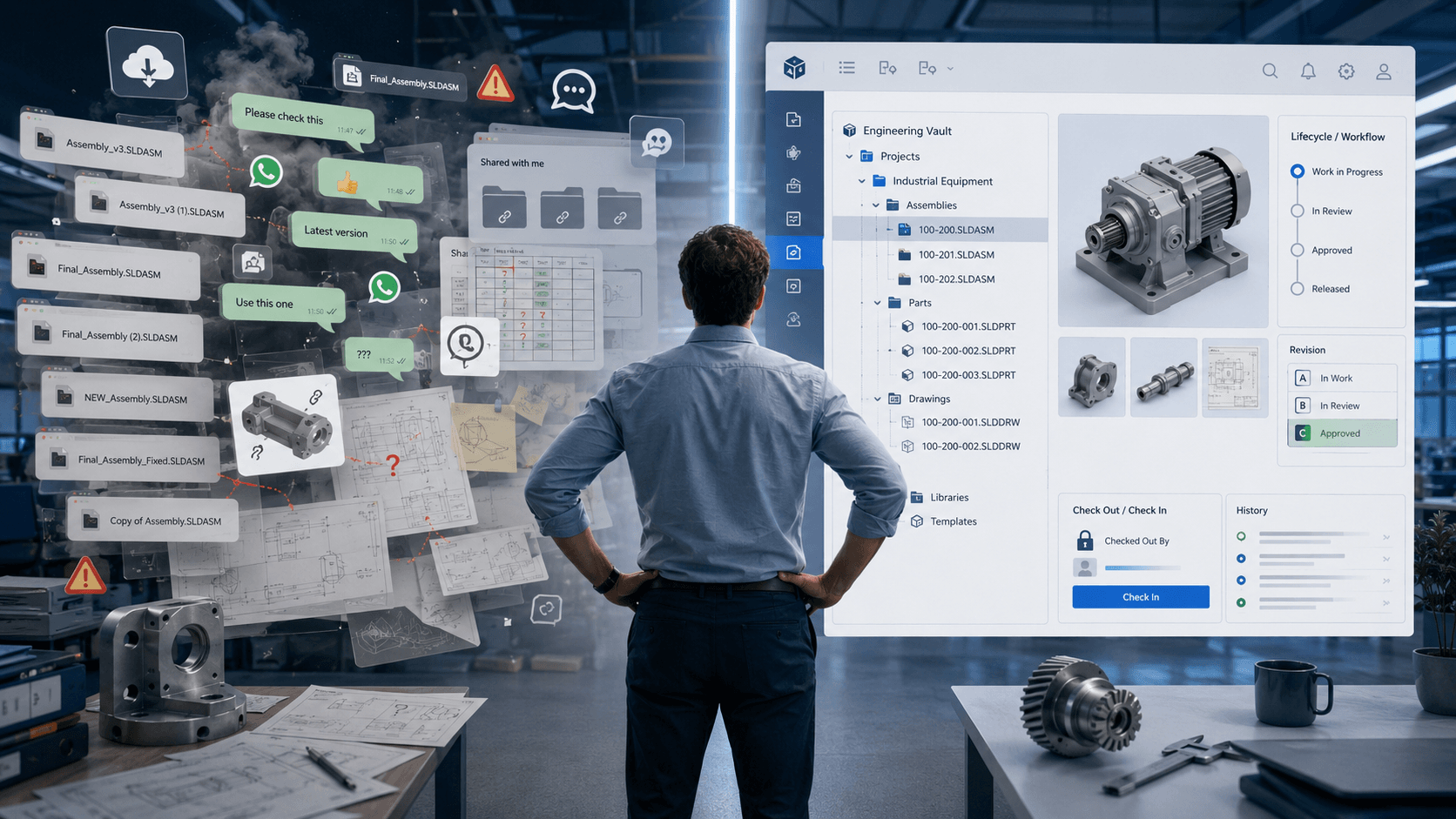
Do we need SOLIDWORKS PDM to manage our design files?
You probably need PDM once several engineers edit the same parts and assemblies, because shared folders, cloud drives and messaging apps do not provide CAD-aware check-out, revision control or where-used tracking. SOLIDWORKS PDM Standard is included with desktop Professional and Premium licences and suits single-site workgroups. PDM Professional adds web access, email notifications and BOM management for distributed or multi-site teams. See our SOLIDWORKS PDM page.
What hardware do I need to run SOLIDWORKS?
For current releases, plan for a Windows 11 64-bit workstation with an Intel or AMD x86-64 processor, at least 16 GB RAM (32 GB recommended), an SSD and a SOLIDWORKS-certified graphics card running its certified driver. Windows 10 is no longer supported for current releases. SOLIDWORKS does not run natively on macOS, so Mac users need a supported Windows virtual machine. Large assemblies and simulation benefit from more memory. Check our system requirements guide before buying hardware.
Need advice for your team?
Share your requirements and we will help you choose a package and licence type.